












Smartphones are part of daily life. People use phones for calls, social media, videos, work, and online shopping. Battery draining fast is one of the most common phone problems. A low battery can cause stress, especially outside the home. The good news is that phone battery life can be improved with simple habits and small setting changes.
This guide explains easy and practical ways to increase phone battery life. These tips work for both Android and iPhone users.
Understand Why Phone Battery Drains Fast
Phone batteries drain fast because of background apps, high screen brightness, internet usage, and outdated software. Many apps keep running even after closing them. Bright screens and constant notifications also consume a lot of power.
Knowing the reasons helps users fix the problem correctly instead of blaming the phone battery only.
Reduce Screen Brightness
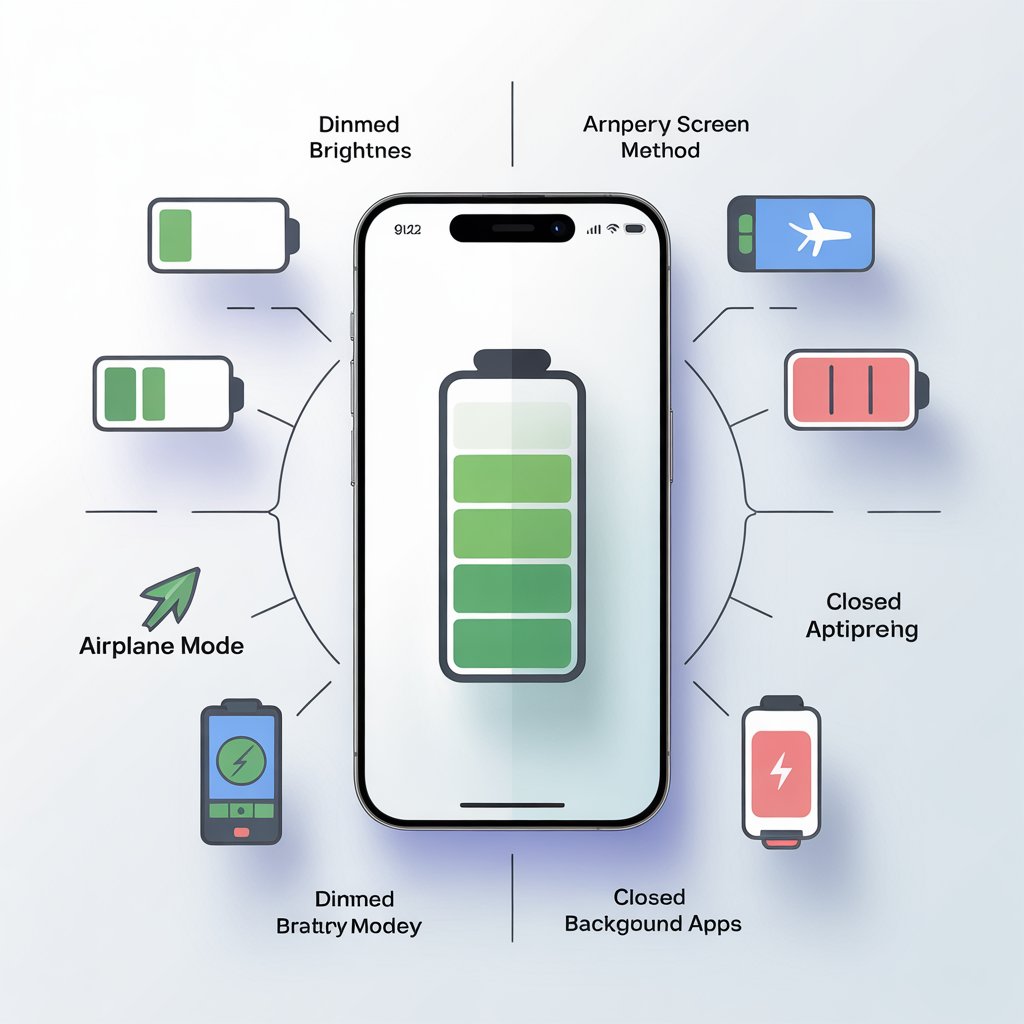
The phone screen uses the most battery. High brightness drains power very quickly.
Lowering screen brightness helps a lot. Auto-brightness is also useful because it adjusts light based on surroundings. Dark mode is another good option, especially for AMOLED screens. Dark mode uses less power and is easier on the eyes.
Turn On Battery Saver Mode
Battery saver mode is available on almost all smartphones. This mode limits background activity, reduces performance slightly, and saves power.
Battery saver is helpful during long days, travel, or emergencies. Some phones allow users to turn it on automatically at a certain battery percentage.
Close Background Apps Properly
Many apps keep running in the background and consume battery without notice. Social media, navigation, and streaming apps are common examples.
Checking battery usage in settings shows which apps drain the most power. Closing unused apps and restricting background activity can increase battery life significantly.
Turn Off Unnecessary Features
Features like Bluetooth, GPS, Wi-Fi, and mobile data consume power even when not in use.
Turning off these features saves battery. Location services should be limited to important apps only. Airplane mode is useful in low-signal areas because phones use extra power to find signals.
Reduce Notifications
Every notification lights up the screen and uses power. Too many notifications drain the battery slowly throughout the day.
Disabling notifications for unimportant apps helps save battery. Important calls and messages can still stay active.
Update Phone Software Regularly
Software updates are not only for new features. Updates often fix battery drain bugs and improve system efficiency.
Using outdated software may cause apps to misbehave and consume extra battery. Checking for updates regularly keeps the phone healthy and efficient.
Avoid Extreme Temperatures
Phone batteries do not like heat or extreme cold. High temperatures damage battery health and reduce lifespan.
Keeping the phone away from direct sunlight, hot cars, and heaters protects the battery. Removing the phone case during charging also helps reduce heat.
Use Original or Certified Chargers
Cheap or fake chargers damage the battery over time. Overcharging or unstable power supply affects battery performance.
Using original or certified chargers ensures safe charging and better battery health. Fast charging is useful but should not be used all the time.
Do Not Overcharge the Phone
Charging the phone to 100% all the time is not ideal for battery health. Lithium batteries perform better between 20% and 80%.
Unplugging the charger after full charge helps maintain battery life. Charging overnight every day should be avoided if possible.
Limit Live Wallpapers and Widgets
Live wallpapers and animated widgets look nice but use more battery. Static wallpapers are better for saving power.
Removing unused widgets from the home screen also helps. Fewer animations mean less battery usage.
Use Dark Mode and Dark Wallpapers
Dark mode reduces power usage on OLED and AMOLED screens. Dark wallpapers also help save energy.
Apps like YouTube, Instagram, and WhatsApp support dark mode. Turning it on improves battery life and eye comfort.
Check Battery Health
Some phones show battery health information in settings. This feature helps understand how much capacity is left.
Poor battery health means the battery may need replacement. Replacing an old battery is often cheaper than buying a new phone.
Avoid Heavy Gaming and Long Video Streaming
Gaming and video streaming use a lot of battery due to high screen usage and processor load.
Lowering graphics settings in games and reducing video quality helps save power. Taking breaks also prevents overheating.
Turn Off Vibration and Haptic Feedback
Vibration uses more power than sound alerts. Haptic feedback during typing and navigation also drains battery.
Disabling vibration for notifications and keyboard feedback saves extra battery throughout the day.
Restart Phone Occasionally
Restarting the phone clears background processes and refreshes the system.
Restarting once or twice a week helps improve performance and battery life.
Use Lite Versions of Apps
Lite apps are designed to use less battery and data. Facebook Lite, Messenger Lite, and YouTube Lite are good examples.
These apps work smoothly on low battery and older phones.
Conclusion
Improving phone battery life does not require expensive tools or technical skills. Small changes in daily habits can make a big difference. Lower brightness, close unused apps, update software, and charge smartly.
A healthy battery means less stress, better performance, and longer phone life. Following these simple tips helps keep the phone running longer throughout the day.